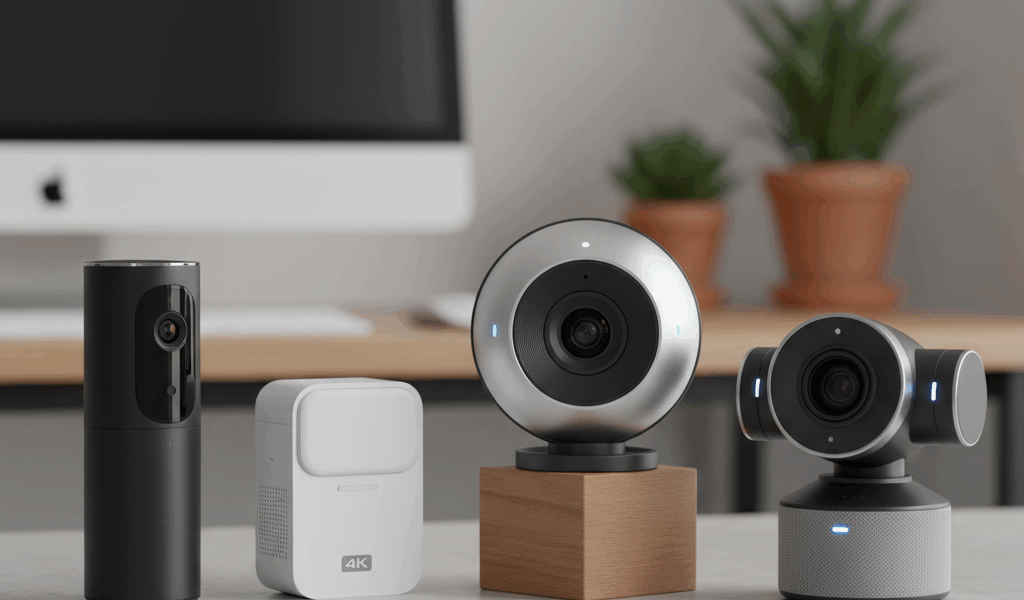
Webcams That Make You Look Professional on Video Calls
Webcam quality has gotten complicated with all the resolution numbers and sensor specs flying around. As someone who tested nine different webcams for my remote setup, I learned everything there is to know about what actually makes you look good on camera. Today, I will share it all with you.

Here’s the thing most people don’t realize: resolution matters way less than sensor quality. A well-engineered 1080p webcam with a decent-sized sensor absolutely crushes a cheap 4K camera that can’t handle anything except perfect lighting. Zoom compresses your video anyway—nobody’s seeing those extra pixels.
Low-Light Performance Separates Good From Great
Probably should have led with this section, honestly. Your home office probably doesn’t have professional lighting, and that’s where cheap webcams fall apart. Quality webcams handle dim rooms and weird mixed lighting gracefully, keeping your skin looking normal without turning grainy or weirdly colored.
Look for larger sensors and wider apertures in the specs. Those directly determine how much light the camera captures and how well it handles your less-than-ideal home office lighting.
Autofocus and Field of View
Fast autofocus keeps you sharp when you lean forward or wave your hands around while explaining something. Slow autofocus creates that distracting hunting effect where the camera constantly searches for focus during any movement. It’s annoying to watch.
Field of view determines how much background shows. Narrower angles around 65 degrees focus attention on your face while hiding your messy room. Wider angles work for group calls or showing off your workspace.

Microphone Quality Varies Wildly
Built-in webcam microphones range from surprisingly decent to borderline unusable. Dual microphones with noise cancellation provide clear audio that rivals dedicated USB mics for most situations.
If your webcam’s mic disappoints, pair it with a simple lavalier or desktop microphone. Good audio often matters more than good video for coming across as professional. People will forgive grainy video way before they forgive echo-y, muffled audio.
Mounting and Positioning
Eye-level camera position creates natural eye contact. That’s what makes monitor-mounted webcams work well when your display is positioned correctly. Separate stands offer more flexibility but add clutter.
Privacy shutters physically cover the lens when you’re not in calls. Simple feature, total peace of mind without trusting software indicators.
Quality webcams run $50-200. For anyone spending real time in virtual meetings, the improvement in how you come across justifies the investment.




Leave a Reply