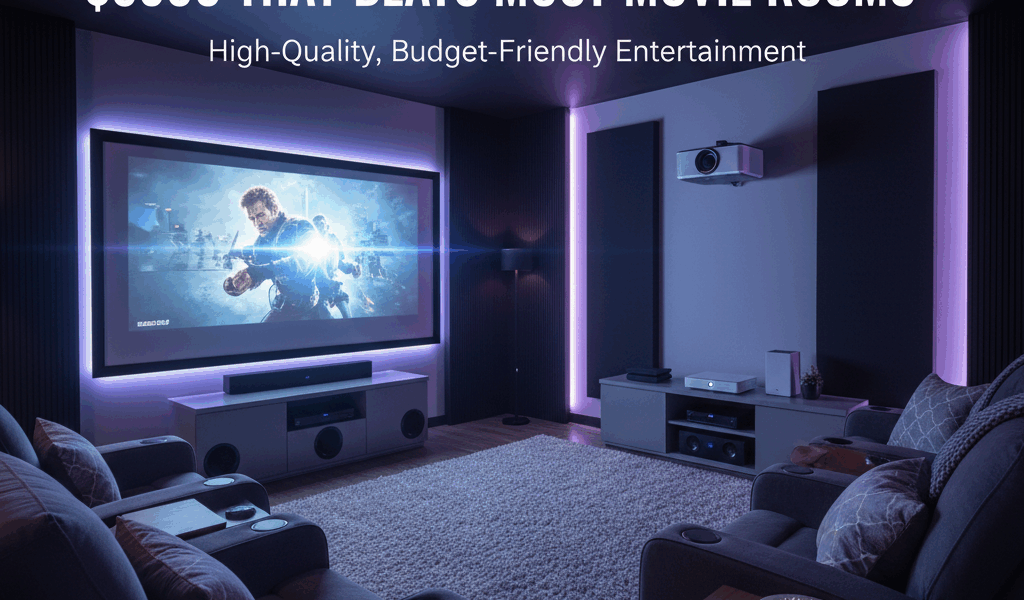
Home theater setup advice has gotten split between people spending $10,000 on custom installs and YouTube videos recommending soundbars that cost more than the TV. As someone who has actually built a living room setup under a real budget constraint and had friends over to watch movies in it, I learned what’s worth the money and where the diminishing returns kick in hard. Today I’ll share exactly how to do it for under a grand.
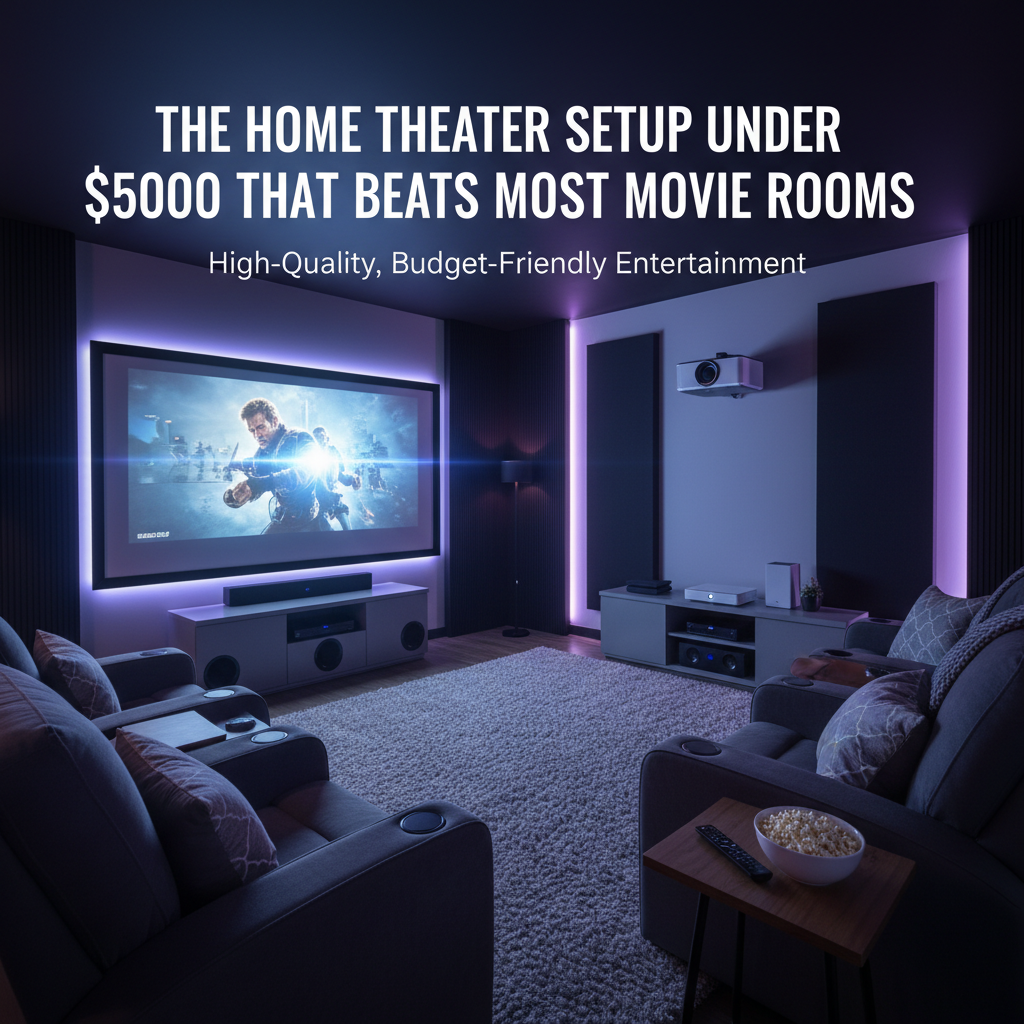
A $1,000 budget sounds tight until you see what you can actually get with it: a 65-inch 4K TV with real HDR, a soundbar that makes dialogue clear and action scenes satisfying, and a streaming device. No contractor, no five-figure quote, no compromises that matter for movie watching.
The First Decision: TV or Projector
At this budget, a TV is the right call for most people. Here’s why: a projector setup under $1,000 requires a dark room to look good, a dedicated screen or white wall, and you end up spending most of your budget on the projector itself — leaving almost nothing for audio. In a living room with any ambient light, a good 65-inch 4K TV beats a budget projector consistently.
The projector argument works if you have a light-controlled space (a basement works well), want an image over 100 inches, and are prepared to manage the ambient light situation. The Hisense C1 UST at around $999 delivers genuinely impressive results — but you’ll need separate screen and audio budget on top of that. For everyone else: TV plus soundbar.
The TV: Hisense U6N 65-inch (~$450–$500)
The Hisense U6N is where the value curve bends sharply. It’s a 65-inch 4K QLED with Mini-LED backlighting — that combination produces significantly better contrast and local dimming than standard LED TVs at the same size. Peak brightness hits around 1,000 nits, which handles glare in a bright living room without washing out the image.
HDR10+ and Dolby Vision are both supported. The built-in Google TV interface is clean and responsive. The remote is basic but functional. What you’re giving up at this price: OLED-level blacks, premium gaming motion handling, Samsung or LG flagship build quality. For movie watching and streaming, none of those gaps matter. For competitive gaming in a dark dedicated room, you’d want to spend more.
The Hisense U8N at around $800 for 65 inches steps up to brighter peak brightness and better local dimming zone control — worth it if you want to put more budget into the display. The U6N is the smarter allocation for most setups.
The Audio: Sonos Beam Gen 2 (~$399)
Probably should have led with audio, honestly, because this is where the money does the most work. A $400 soundbar improves the movie-watching experience more than going from a $500 TV to a $1,000 TV does. Most people under-invest here and over-invest on screen size.
The Sonos Beam Gen 2 is the sweet spot. It handles the core job — making dialogue clear and intelligible — better than most soundbars at twice the price. The Dolby Atmos processing adds real height cues that make action sequences and ambient sound feel dimensional. It connects via HDMI eARC, which is the right connection for reliable passthrough and TV remote volume control.
The Beam is also expandable over time. Add a Sonos Sub Mini later for more bass. Add Sonos Era 100 speakers as rear channels for true surround. The ecosystem lets you build without replacing what you already bought. That’s what makes it endearing to people who know they’ll want more eventually — you’re not starting over, you’re adding on.
Alternatives worth knowing: Bose Smart Soundbar 300 ($280) is smaller and slightly less powerful but works well in compact rooms. Sony HT-A3000 ($350) has better music specs but no multi-room ecosystem integration.
The Streaming Device: Fire TV Stick 4K Max (~$60) or Apple TV 4K (~$129)
If your TV runs Google TV (the Hisense U6N does), you may not need a separate streaming device at all — the built-in interface handles most services well. If you want better app performance, the Fire TV Stick 4K Max adds HDR10+, Dolby Vision, and AV1 decoding for $60.
In the Apple ecosystem, the Apple TV 4K at $129 is worth the premium: AirPlay from any Apple device, HomeKit integration, and consistently the smoothest TV interface available. Not required, but once you’ve used it everything else feels slow.
The Budget Breakdown
- Hisense U6N 65-inch: ~$480
- Sonos Beam Gen 2: ~$399
- Fire TV Stick 4K Max: ~$60 (optional)
- Total: ~$940
That leaves $60 for a certified HDMI 2.1 cable and a simple wall mount if needed. The audio upgrade is doing more perceptual work than the screen size. If you already have a decent TV, start there.




Leave a Reply