Microphone buying has gotten weirdly overwhelming, with half the recommendations aimed at professional audio engineers and the other half at streamers who care more about RGB lighting than sound quality. As someone who spent months sounding like I was broadcasting from inside a cardboard box before finally figuring out what actually mattered, I’ve learned the difference between specs that affect how you sound and specs that just look good on a product page. Today I’ll share all of it.
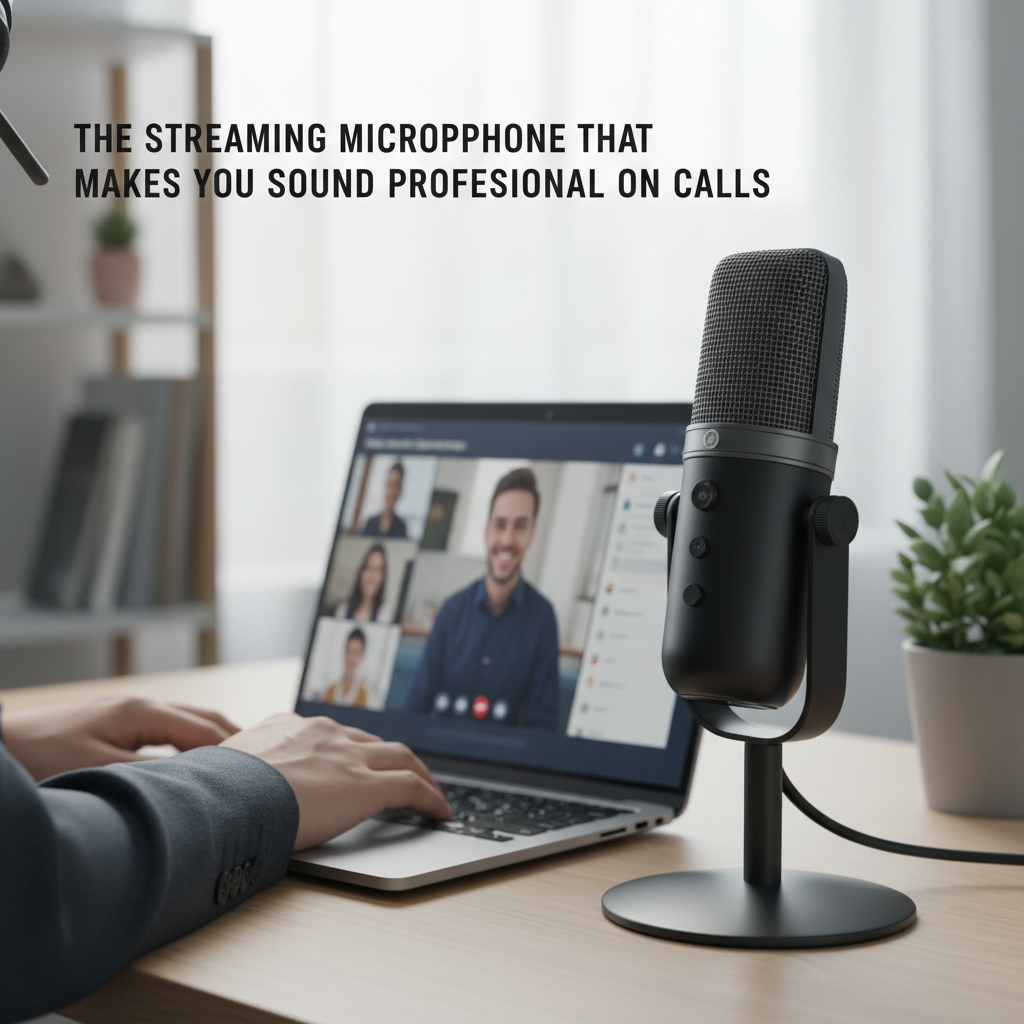
The difference between sounding professional and sounding like you’re talking through a tin can usually comes down to one thing: your microphone. Here’s what to buy and why.
USB vs XLR: Which Do You Actually Need?
USB microphones plug directly into your computer. XLR microphones require a separate audio interface — a dedicated device that sits between the mic and your computer and costs $50–$150 on top of the microphone itself.
For most streamers, podcasters, content creators, and anyone who wants to sound better on calls: buy USB. The quality gap between a good USB microphone and a comparable XLR setup with a budget interface has closed significantly. The convenience of one cable into a laptop port is a real, daily advantage. XLR makes sense if you’re working in a real recording setup, already own an interface, or need flexibility that USB can’t provide.
Everything on this list is USB.
Best Mid-Range: Elgato Wave:3
The Elgato Wave:3 is the microphone I’d recommend to most people buying their first real mic. It sounds good out of the box — plug it in, set it as your input, and call quality improves immediately. No configuration required to get a solid result.
The cardioid pickup pattern focuses on sound from in front and rejects what’s coming from the sides and rear, which is the pattern you want in a typical room with background noise. The capacitive mute button is a real physical feature — one tap silences it instantly, no software, no fumbling. Matters when you need to cough mid-call or deal with a moment in a house with other people in it. Probably should have led with that feature honestly, because it becomes more valuable than you expect.
The Wave Link companion software is optional — you don’t need it for basic use — but it’s genuinely well-designed for streamers who want to mix multiple audio sources. Price around $150. Build quality is solid and the sound is consistently clear across Zoom, Discord, podcasting, and YouTube.
Best Budget Pick: HyperX SoloCast
If $150 is too much and you need something meaningfully better than a laptop mic without the investment, the HyperX SoloCast at $50–$60 is the answer.
Cardioid pattern, tap-to-mute, a desk stand with threaded mount if you want to add a boom arm later. Sound quality is solid for voice — clear, without the harsh sibilance that cheaper mics tend to add. It won’t compete with the Wave:3 in a noisy environment, and gain control is software-only (not on the mic body), but for video calls, Discord, and casual streaming it performs well above its price.
Best If Audio Quality Is the Point: Audio-Technica AT2020USB+
The Audio-Technica AT2020USB+ is a step up in raw sound quality from both options above — more clarity in the high mids, tighter cardioid pattern, and noticeably better performance in acoustically imperfect rooms. If you’re recording a podcast where audio quality is part of your brand, or streaming to an audience with good headphones who will actually notice, this is the mic.
Trade-offs: no tap-to-mute button, the included desk stand is minimal (plan to spend $20–$25 on a basic boom arm), and at $149 it’s priced similarly to the Wave:3, which has more features and better workflow integration. The AT2020USB+ wins on raw sound; the Wave:3 wins on everything around the sound. Which matters more depends on what you’re using it for.
Setup Tips Worth More Than the Mic
No microphone makes a bad room sound good. A few things that affect results more than most people expect:
Position it right. 6–10 inches from your mouth, slightly off-axis — aimed at the corner of your mouth, not directly at it. This reduces plosive sounds (the pop on “p” and “b” sounds) significantly.
A $20 boom arm is worth it. Any cheap articulating arm gets the mic off the desk (reducing vibration pickup) and keeps it in position without you having to lean into it. The Elgato branded arm is $100. The generic versions on Amazon for $20–$25 do 90% of the same job.
Watch your gain level. If your voice is peaking above -6dB, you’re overdriving the mic. Back off the gain and boost volume slightly in post if needed. A lower input level that’s clean sounds better than a hot signal that’s clipping at the peaks.
For most people: Elgato Wave:3. For tight budgets: HyperX SoloCast. For audio-first use: Audio-Technica AT2020USB+. All three will make you sound like you actually prepared for the call.

Leave a Reply