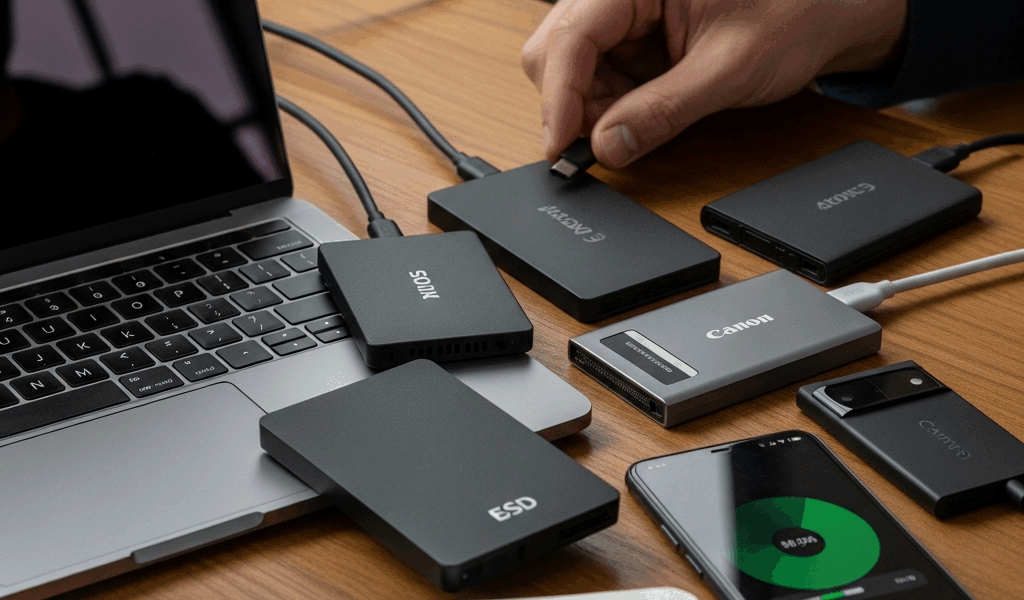
Why You Need a Portable SSD and Which One to Buy
The case for a portable SSD comes down to three use cases: backup for a laptop you travel with, fast transfer of large files between machines, and working off an external drive when you need more storage than your laptop provides. Portable HDDs are cheaper per gigabyte but slower, louder, and more fragile. For most use cases where you’re paying for portability, the SSD premium is worth it.
Speed: What the Numbers Mean
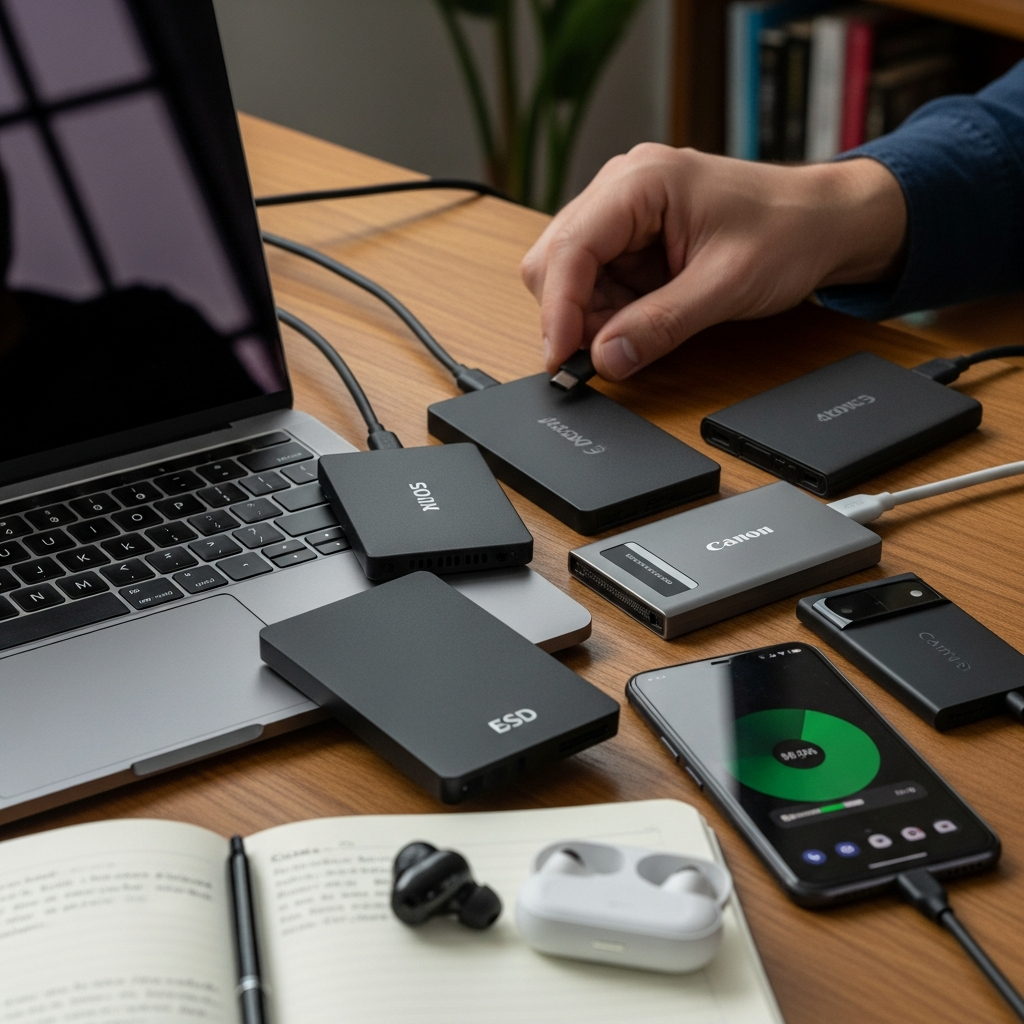
USB-A connected drives top out around 400-500 MB/s regardless of how fast the drive itself is — the connection is the bottleneck. USB-C with USB 3.2 Gen 2 gets you up to 1,000 MB/s. Thunderbolt 3/4 connections break 2,000 MB/s on capable drives. For typical backup and file transfer, USB-C at 1,000 MB/s is more than sufficient. Thunderbolt matters if you’re doing video editing off an external drive or working with very large files regularly.
The Products Worth Knowing
Samsung T9: The benchmark for portable SSDs. Consistent performance, solid build, available in 1-4TB, and has earned a reputation for reliability over several generations. Worth the price premium over generic options. Western Digital My Passport SSD: Slightly lower price point than the T9 with comparable performance, good for everyday use. SanDisk Extreme Pro: Built with a rubber bumper for drop resistance — the right choice if your drive is going to live in a bag and get knocked around. For budget shoppers, the Kingston XS1000 delivers solid USB-C speeds in the 1,050 MB/s range at the lowest price per gigabyte among reputable brands.
Size Considerations
For laptop backup: the drive should be at least as large as your laptop’s storage. A 512GB laptop needs a 1TB drive minimum if you want any room to grow. For video work: 2-4TB is practical. For travel use where you’re just moving files: 500GB to 1TB is usually sufficient. Buy larger than you think you need — you’ll use the space.
Don’t Skip Encryption
A portable drive full of work files, photos, or documents is worth protecting if you travel with it. Most of the Samsung T7/T9 and Samsung T9 lineup offer hardware-based AES 256-bit encryption accessible through a companion app. Enable it on setup. If the drive is lost or stolen, encrypted data is practically unrecoverable without the password. It’s a one-time setup that matters once and only once — when the drive goes missing.



Leave a Reply