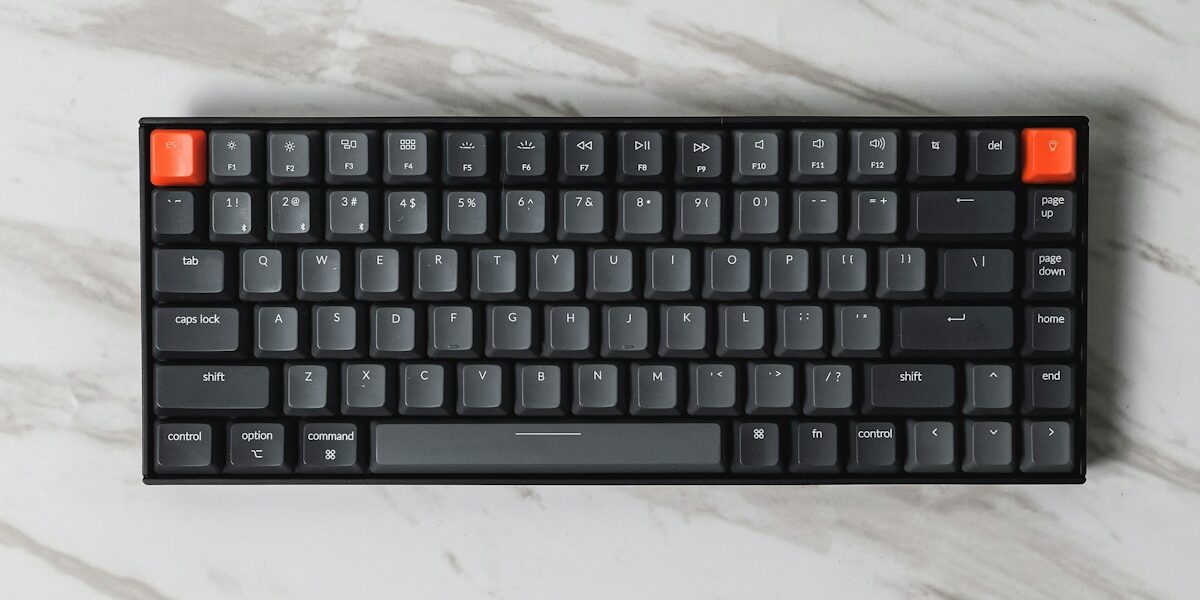
Mechanical keyboards have spiraled into something unrecognizable with all the switch brands and custom builds flying around. As someone who fell down this rabbit hole and now owns more keyboards than any reasonable person should, I learned everything there is to know about what actually matters for typing. Today, I will share it all with you.
Switch Types Explained
The switch beneath each key determines feel and sound. That’s what makes switch choice endearing to us keyboard nerds—it fundamentally changes the typing experience. Linear switches like Cherry MX Red provide smooth keystrokes without bumps. Tactile switches including Cherry MX Brown offer feedback without loud clicks. Clicky switches such as Cherry MX Blue produce audible clicks that some love and others find insufferable.
Beyond Cherry, numerous switch manufacturers now produce excellent options. Gateron, Kailh, and others offer variations that may suit preferences better than the originals. Don’t limit yourself to the original brand.
Form Factors
Full-size keyboards include number pads while tenkeyless versions remove them for desk space savings. Sixty-five percent layouts eliminate function rows, and sixty percent boards drop arrow keys too. The smaller you go, the more you rely on function layers.
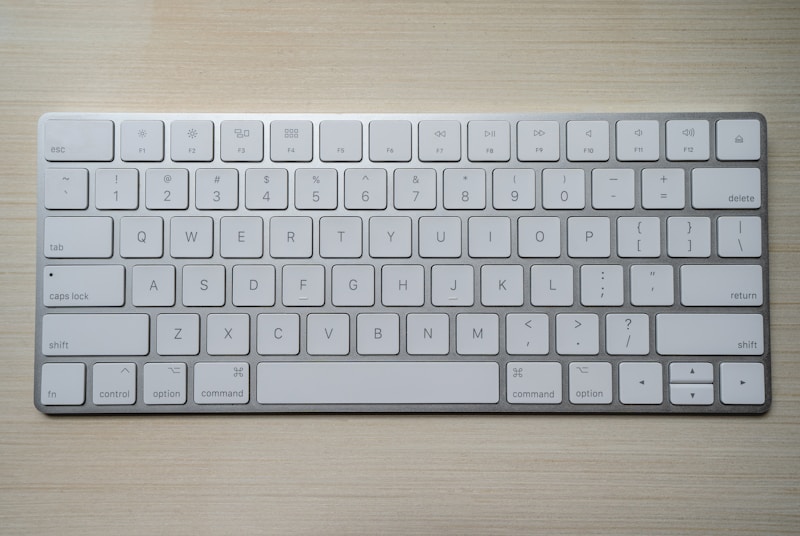
I’m burying the lede a bit — sorry. Compact keyboards appeal to those prioritizing desk space and mouse proximity. Full-size remains practical for number-heavy work like data entry or accounting. Know your actual needs.
Features to Consider
Hot-swappable sockets allow changing switches without soldering, enabling experimentation and customization. Programmable firmware lets you remap keys and create custom functions. RGB lighting adds aesthetic customization that some consider essential and others disable immediately—I’m in the latter camp.
Wireless options have improved significantly, with Bluetooth and 2.4GHz connections offering low enough latency for gaming. Battery life varies substantially between models.
Budget Considerations
Quality mechanical keyboards range from under fifty dollars to several hundred. Entry-level options from brands like Keychron offer solid typing experiences without premium pricing. Enthusiast boards with exotic materials and custom switches command premium prices.


Leave a Reply