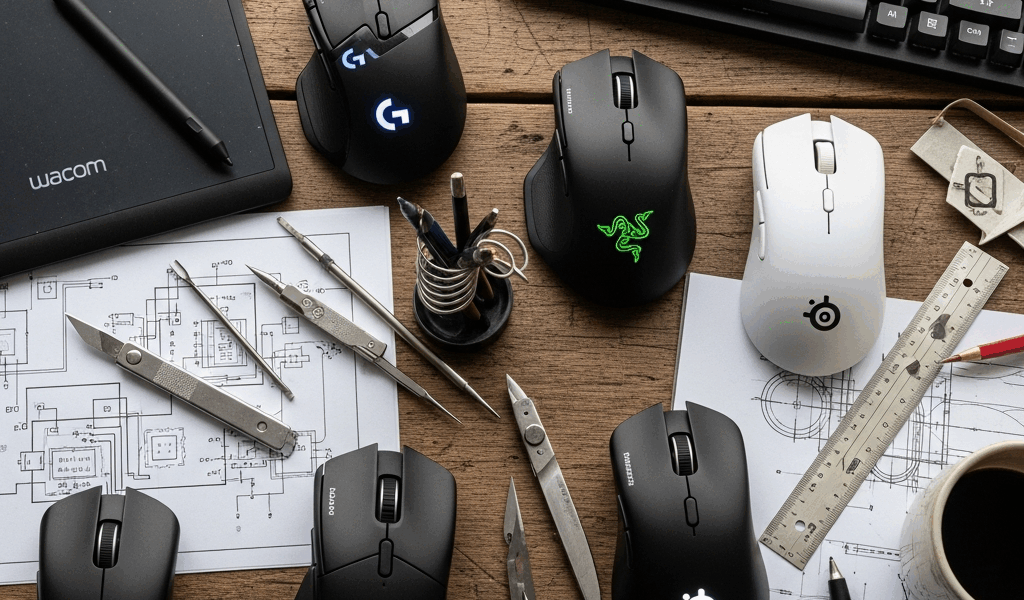
Gaming Mice for People Who Don’t Game
This article includes affiliate links. We may earn a commission at no extra cost to you.
The best computer mice for precision work aren’t sold as “office mice.” They’re sold as gaming peripherals — because gaming drove the investment in sensor technology, ergonomics research, and build quality that produces a mouse that actually tracks precisely, fits your hand correctly, and lasts years rather than months. You don’t need to game to benefit from these products. You just need to use a computer a lot.
What Makes a Gaming Mouse Different
Sensor quality is the meaningful difference. Gaming mice use optical sensors with high DPI ratings and near-zero acceleration — meaning the cursor moves exactly as far as you physically move the mouse, consistently, without drift. Budget office mice use inferior sensors that introduce micro-acceleration and jitter that you feel as imprecision. For graphic designers, video editors, or anyone doing precise work, this difference is real.
Ergonomics are the second difference. Gaming mice are designed for extended use with attention to hand position and grip style. A well-fitted mouse is a meaningful factor in wrist health for heavy computer users. The size options in gaming peripherals are broader than in office peripherals — there are small mice for claw-grip users, large mice for palm-grip, lightweight mice for people who move quickly.
The Products Worth Considering
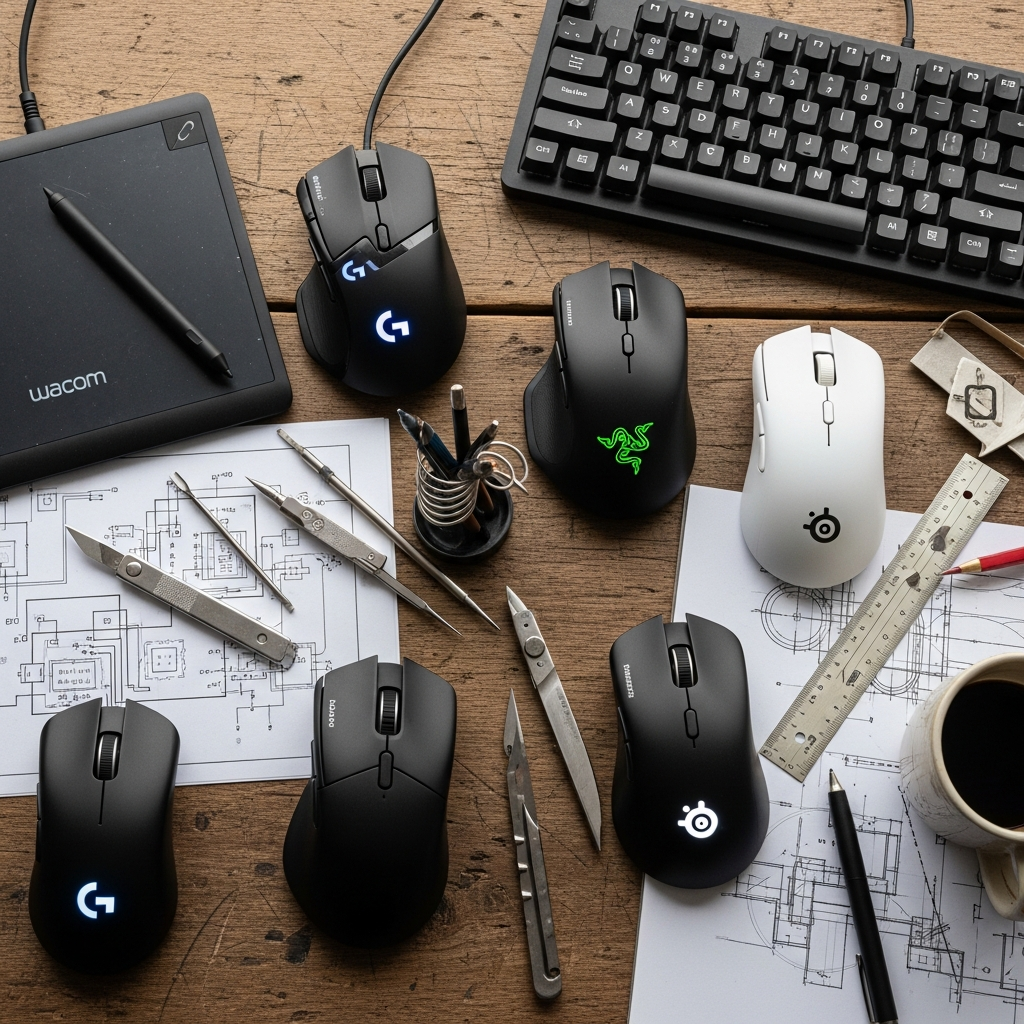
Logitech MX Master 3S is the most complete non-gaming option that borrows from gaming technology — excellent sensor, rechargeable battery, MagSpeed scroll wheel that’s genuinely enjoyable to use, comfortable for all-day work. It’s expensive but widely considered the best work mouse available. Logitech G502 X is the gaming-positioned equivalent with a more aggressive design and higher DPI ceiling. Razer DeathAdder V3 has one of the best ergonomic shapes in the category for right-handed users who prefer a larger mouse. SteelSeries Aerox 3 is a lightweight option at under 70 grams for users who find heavier mice fatiguing.
The Weight Argument
Heavy mice (100+ grams) require more force to move and cause more fatigue over a full workday. The ultralight trend in gaming peripherals — sub-70 gram mice with honeycomb shells — produced mice that are genuinely easier on the wrist for extended use. If you use a computer for 6+ hours daily and have wrist fatigue, trying a lighter mouse is a low-cost experiment worth doing.
Wired vs. Wireless
Modern wireless gaming mice have eliminated the latency concerns that made wired the default recommendation. The Logitech G series with Lightspeed wireless and the Razer HyperSpeed lineup both operate with imperceptible latency. For desk use, wireless removes the drag and tangling of a cable, which is a real ergonomic improvement. The battery charging consideration is the main remaining argument for wired — though most wireless gaming mice last 50-80 hours per charge.




Leave a Reply